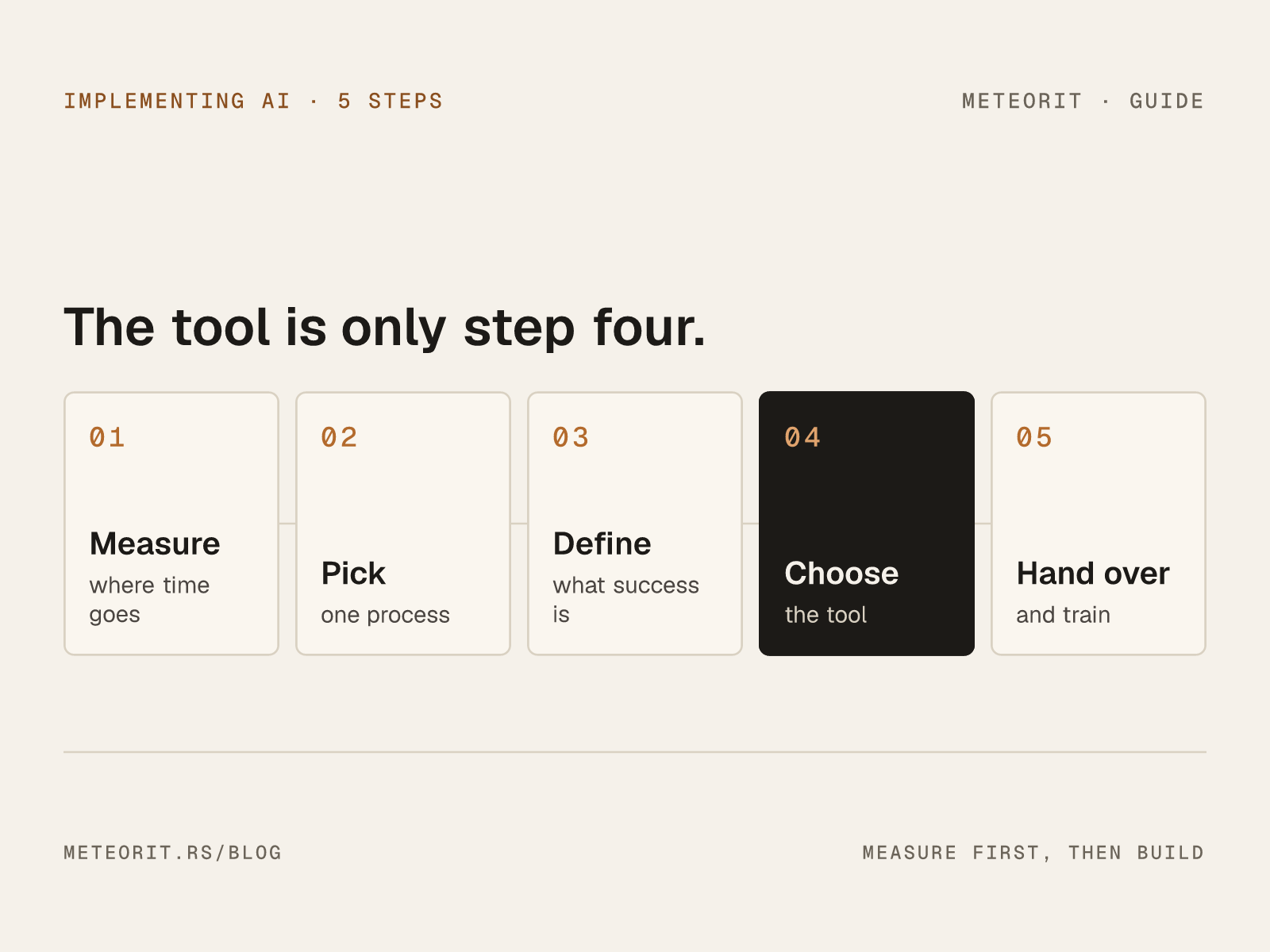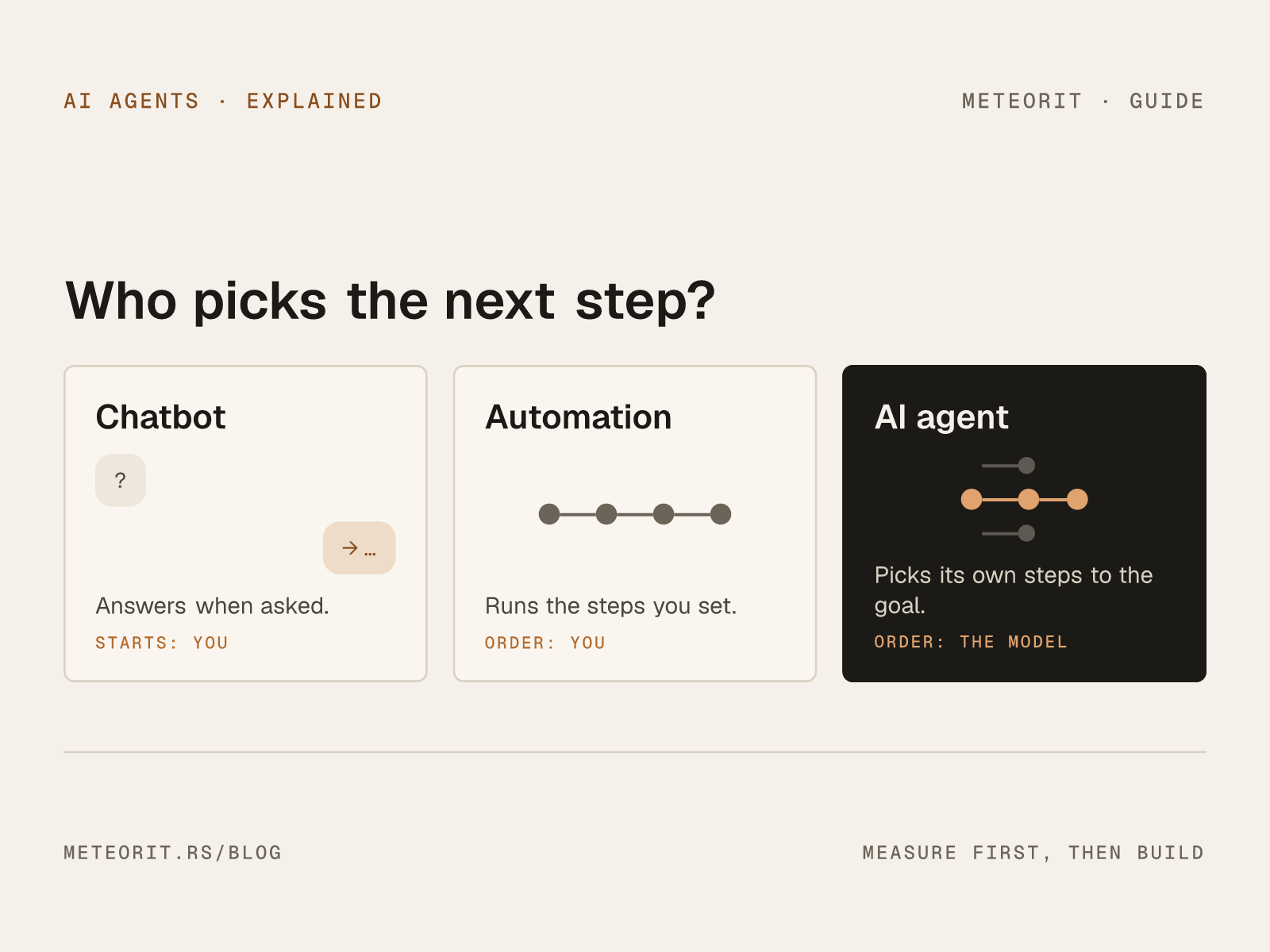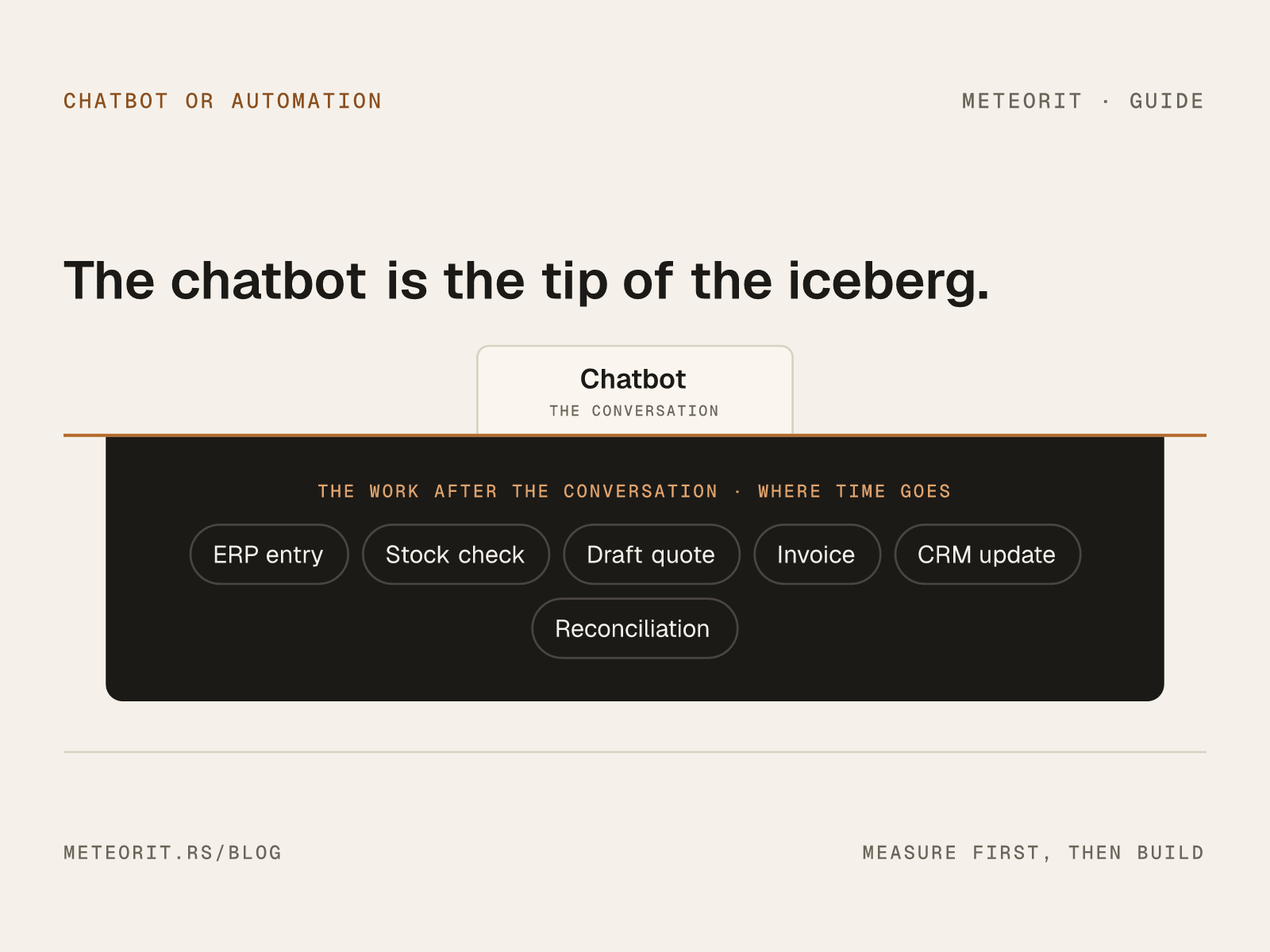

The default UI for an AI feature, in 2026, is a chat box. The default UI for an AI feature in your back office should almost never be a chat box. These two facts have been awkwardly coexisting for two years, and the cost is starting to show up in how teams build.
This is a short argument for why chat is the wrong shape for most internal work, and what to use instead.
01. Chat is great for exploration. Bad for repetition.
A chat interface is correctly tuned for the job of figuring out what to ask. Each question is different. The user is exploring. The blank box invites a fresh thought.
Back-office work is the opposite. The user is doing the same thing for the eleventh time today. They know what to ask. They have asked it ten times already. The blank box, in this context, is friction. It is a small but real cognitive tax — a re-articulation of an intent the user has already had.
The teams who hate their AI tools, almost without exception, hate them because they have to retype the same prompt every morning.
The blank chat box is a question the system is asking you. After the third repetition, that's an annoyance, not an interface. — working note
02. The right interface for repetitive work is a button
Or a form. Or a row in a queue. Or a scheduled job that emits a Slack message. The shape varies, but the pattern is the same: the model's job is to produce a known output for a known shape of input, on a known cadence. The user's job is to handle the exceptions.
This is not a regression. This is the part of the field that the framing of "chatbots" has caused us to forget: that the most valuable AI features in production look almost nothing like the AI features in marketing material. They look like buttons that do useful things, queues that handle drudgery, and notifications that arrive without being asked for.
03. Three back-office patterns that beat chat
The following patterns reliably outperform a chat interface for internal use:
- The "draft and review" queue. The system produces a draft — a quote, a reply, a summary — into the existing tool. The human approves, edits, or rejects. No prompt. No box. Just a list of work that is already partly done.
- The "explain this row" overlay. A user opens a record. A side panel summarizes its history, flags anomalies, suggests the next step. The user did not ask. The summary appeared because they navigated to the record.
- The scheduled digest. A daily, weekly, or per-event note that arrives in the channel the team already lives in — Slack, email, the existing CRM ticket. No interface to learn. The "interface" is the channel.
None of these are exotic. None of them require a model upgrade. All of them are friction-free in a way that a chat box is not.
04. When chat is right
We are not against chat. We use it daily — for the work it is good at. Chat is right when:
- The user does not yet know what to ask.
- The work is genuinely one-off.
- The model needs clarifying turns to converge on the answer.
Onboarding an analyst into a new dataset, summarizing a long document for a specific purpose, drafting an unusual proposal — these are good chat use cases. The clue is novelty. If the user is doing it for the first time, chat is fine. If they are doing it for the eleventh, it is the wrong shape.
A short closing
Chat is a powerful interface. It is also a lazy default. The teams who get the most value from AI inside their business are the ones who, after the initial chat-everything phase, start asking what is the right interface for this specific job — and then build it.
The blank box is rarely the answer. The button usually is.